
Working notes. I’ll update this article as the project develops. After launch, I’ll add a link to the full case study.
You do not need a finished Figma design or a detailed technical brief to start working on a website.
You can explain your idea to ChatGPT, outline the main pages, test different content directions, and create images of how the site could look. That material may already be enough for me to understand the direction and begin planning the build in Webflow.
That is how one of my current projects started.
What you can bring to the first conversation
If you do not have a finished design yet, you can start with:
I can review those materials, identify what is still missing, and suggest a practical way to turn them into a working Webflow site.
From ChatGPT images to a working website
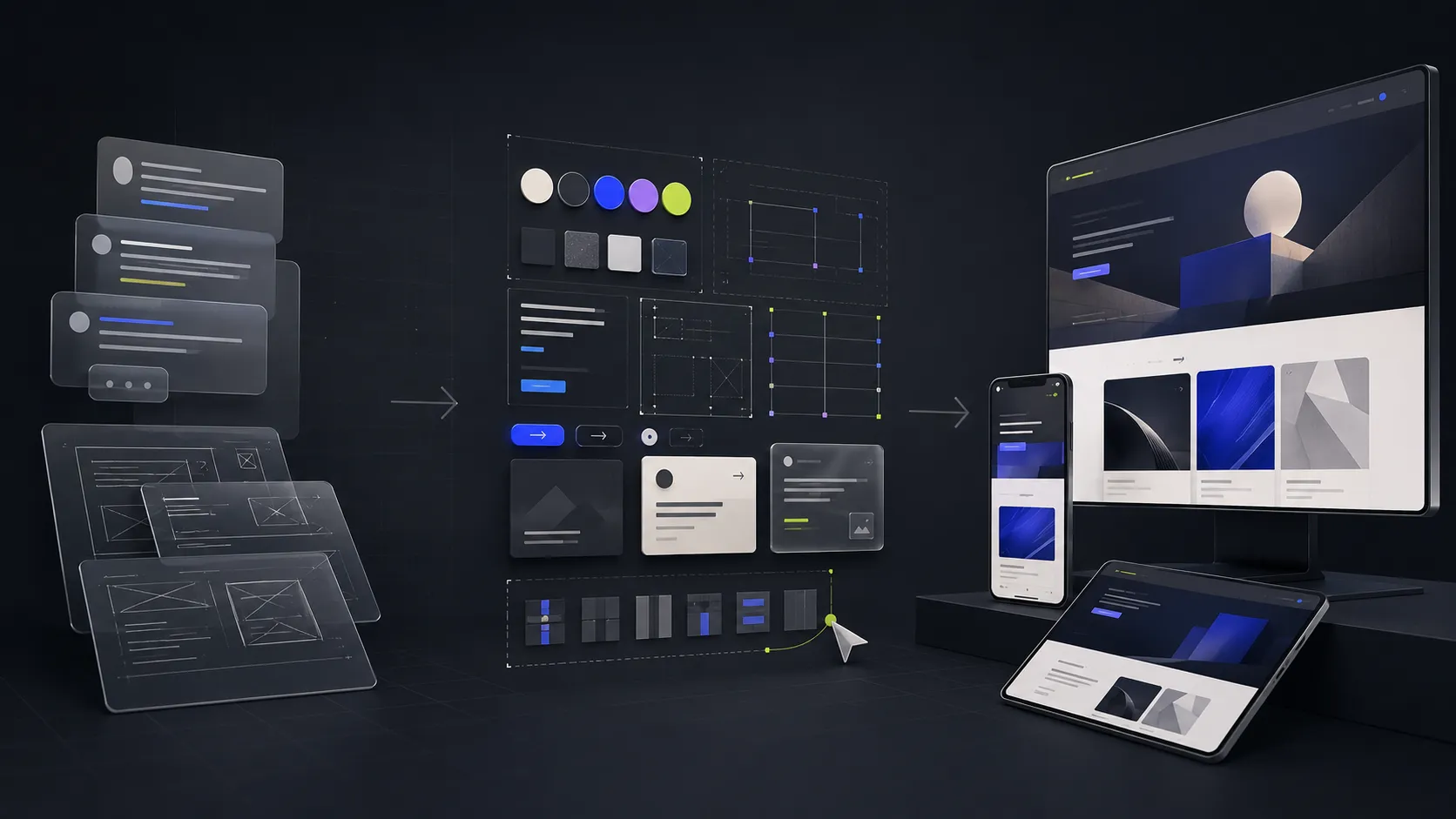
The client used ChatGPT to shape the product story and create images of the future pages.
They sent those images to me, and I built the pages in Webflow.
We did not have a complete Figma design, but the materials already showed the structure, content, and overall direction clearly enough to move forward. Instead of recreating the entire concept in another design tool, I could work directly from the client’s ideas.
The images were a clear way to communicate the vision. My job was to turn that vision into a real website: make it responsive, add the required behavior, and connect the individual pages into one consistent system.
Building the foundation first
I did not treat every page as a separate design.
I first created shared rules for color, typography, spacing, and repeated elements. I prepared the navigation, buttons, cards, forms, and core sections so they could be reused.
Inside Webflow, that foundation uses variables, components, and CMS. The client does not need to understand every technical detail. The practical result is what matters: new pages can be assembled from existing parts, the site stays consistent, and common changes do not need to be repeated manually across the project.
This foundation also gives ChatGPT clearer boundaries. Instead of starting from a blank page and guessing every decision, AI can work with existing parts and established rules.
How I use ChatGPT in development
I also use ChatGPT in this project, mainly as a coding assistant for custom functionality.
First, I decide how the site should be structured and how a specific element needs to behave. Then I prepare the project and give ChatGPT a focused technical task with the relevant context and constraints.
AI does not make the key decisions for me. It helps me implement a decision faster once I already understand the architecture and the intended result.
Most of that assistance is invisible in the finished site. It happens in the background, but the difference is clear in the pace of development. Some tasks that once took several days can now be completed in a few hours.
The client is now continuing independently
Once the main system and component library were ready, the client connected ChatGPT to Webflow and began experimenting with the pages independently.
They can now update content, try new directions, and build with parts that already exist. I can step back in when a change requires more advanced implementation or when the result needs a professional review.
Before those experiments began, I saved a separate copy of the project. This lets me compare the results and learn which instructions help ChatGPT work more reliably with the Webflow structure I created.
The technology is not fully predictable yet. Sometimes ChatGPT uses the existing elements correctly. Sometimes the task needs clearer instructions. But it is already showing how a well-prepared Webflow project can give a non-technical client much more independence.
Where a Webflow specialist still matters
In this type of process, I see two especially useful points for professional involvement.
The first is at the beginning, when ideas and AI-generated page concepts need to become a clear, maintainable Webflow system.
The second is before launch, when pages created or changed with AI need to be checked across devices, forms, interactions, CMS, accessibility, and basic SEO.
Between those points, the client can keep exploring and building without bringing a developer into every small update.
Work in progress
This project is still underway. I’ll continue updating this article as the client builds with ChatGPT and as we learn more about the strengths and limits of this approach.
After launch, I’ll add the project to my portfolio and show the full path from the first ChatGPT images to the finished Webflow site.