
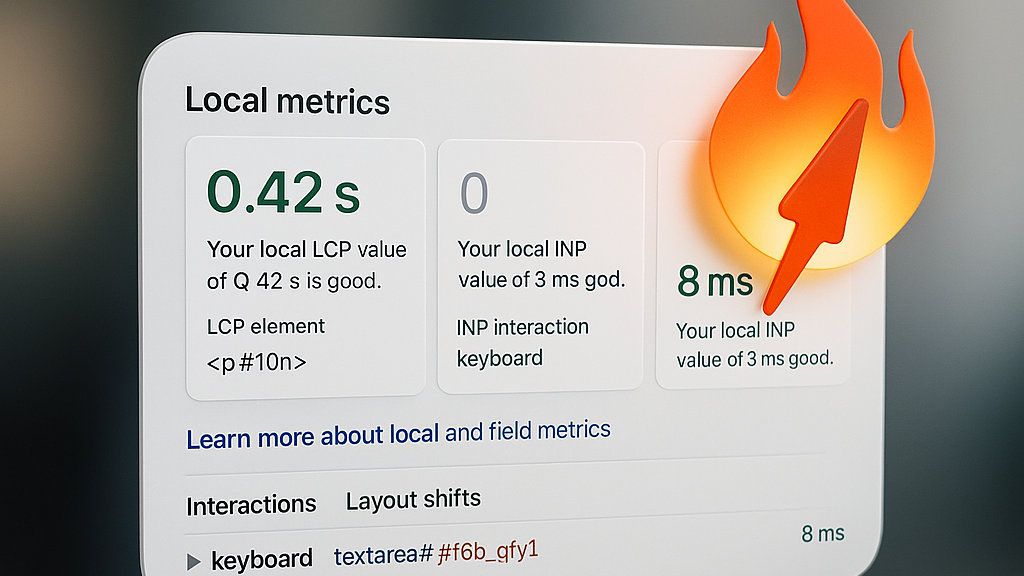
Skip the Bloat. Keep the Speed.
Webflow ships with powerful defaults — but not all of them are needed for every project. By trimming what’s unnecessary, you can squeeze every last millisecond out of your site.
If you care about real speed — not just green scores — this is for you.
1. When webflow.js Loads
webflow.js only appears if you use certain native components:
- Navbar
- Slider
- Tabs
- Dropdown
- Lightbox
- Modal
- Legacy Interactions (IX1)
- CMS Pagination / Load More (in some cases)
If you skip these and disable Interactions — webflow.js won’t be in the final build.
✅ Easy win: Audit your components. Remove anything you don’t use.
2. Async vs Defer in Project Settings
Path: Project Settings → Custom Code → Advanced Options
Here you can set async or defer for all custom scripts.
⚠️ Heads up: This applies to all scripts — including:
- webflow.js
- jQuery
- Your own custom code
Best practice:
- Use defer unless you’re 100% sure execution order doesn’t matter.
- Avoid async if scripts depend on each other.
3. Google Tag Manager + jQuery Conflicts
If GTM loads asynchronously and your tags rely on jQuery ($), you might see:
Uncaught ReferenceError: $ is not defined
Because async doesn’t wait.
✅ Solution 1: Load jQuery manually before GTM:
<script src="https://code.jquery.com/jquery-3.6.0.min.js"></script>
✅ Solution 2: Wrap your code in a jQuery wait:
function waitForjQuery(callback) {
  if (typeof jQuery !== 'undefined') {
    callback();
  } else {
    setTimeout(() => waitForjQuery(callback), 50);
  }
}

waitForjQuery(() => {
  // your code here
});
4. Extra Ways to Boost Performance
- Remove unused libraries → If webflow.js still loads, something is triggering it.
- Minify custom JS → Compress and keep heavy scripts out of <head>.
- Move GTM → Place it at the bottom of <body> or control priority via Google Tag Assistant.
- Lazyload & Preload → Lazyload images/iframes, preload critical fonts and styles.
- Disable IX2 if unused → With Finsweet Attributes or custom JS.
💡 Quick check for script loading:
- Open DevTools → Network → JS
- See if webflow.js or jquery.js are present
- Check their load order
- Confirm if async/defer is applied
Why This Matters
This exact approach sparked big discussions in the Ukrainian Webflow community — and it’s quickly becoming a go-to best practice for performance-minded teams.
If you’ve tested similar optimisations (or found better ones) — share them. Let’s keep pushing the standard forward.